Ring vs Google Nest Cameras: Which Is Right for Your Home?
Both brands make good cameras. The better choice usually comes down to which smart-home ecosystem you already use, whether you want wired or battery cameras, and what you are willing to pay each month for saved video.
By the Visolution team · 6 min read
Start with your ecosystem
Ring is owned by Amazon and works closely with Alexa and Echo Show devices. Nest is part of Google and works with Google Home and Google Assistant. If your home already runs on one of them, the matching camera is simpler to set up and control by voice.
Side by side
- Range: Ring has a very wide lineup of doorbells, indoor and outdoor cameras and floodlights. Nest has a smaller range with a clean, simple app.
- Power: both offer battery and wired models. Wired is more reliable, battery is easier to place.
- Saved video: both need a paid plan to save and review recorded clips. Without one you generally get live view and alerts only. Plans and prices change, so compare the current ones before you buy.
- Smart alerts: person, package and animal detection is available on both, with some features tied to the paid plan.
- Local storage: options vary by model, so check if you want to avoid a monthly fee.
Your Wi-Fi matters more than the logo
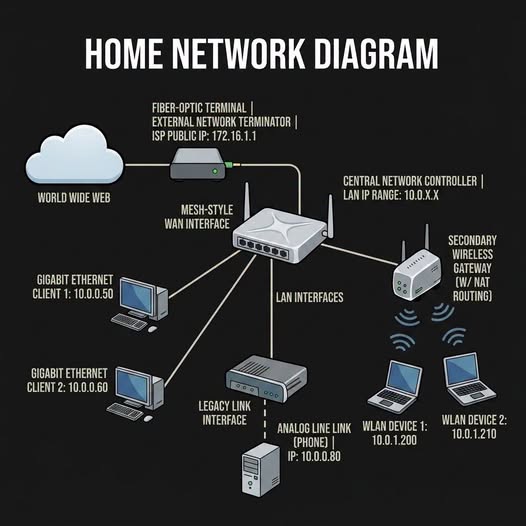
A camera is only as good as the connection behind it. Cameras at the edge of your Wi-Fi range drop out or lag, and a front-door camera on a weak signal is a common complaint. A wired camera or an access point near the door fixes most of it.
Which one should you pick?
- Already on Alexa: Ring is the natural choice.
- Already on Google Home: Nest fits best.
- Want the most choice of camera types: Ring.
- Want the simplest app: many people find Nest easier.
- Want video saved for free: look at models with local storage, and read the fine print.
We install both, and we can mount, wire and connect them so the cameras work well from day one.
Common questions
Do I have to pay a subscription?
You can use live view and alerts on many models without one, but saving and reviewing recorded video normally needs a paid plan.
Can you install cameras for me?
Yes. We mount them, run wiring where needed and set up the app and Wi-Fi.
Can I mix brands?
You can, but each brand has its own app, so most people stick with one.